01CAMERA HEART RATE
Measure your heart rate without a wearable.
Use Finger PPG with the rear camera and flash, or choose a contactless Face rPPG check-in with the front camera.
Measure your pulse with Finger PPG (rear camera + flash) or contactless Face rPPG (front-camera face scan) — then keep the context in a private daily journal, without a wearable.
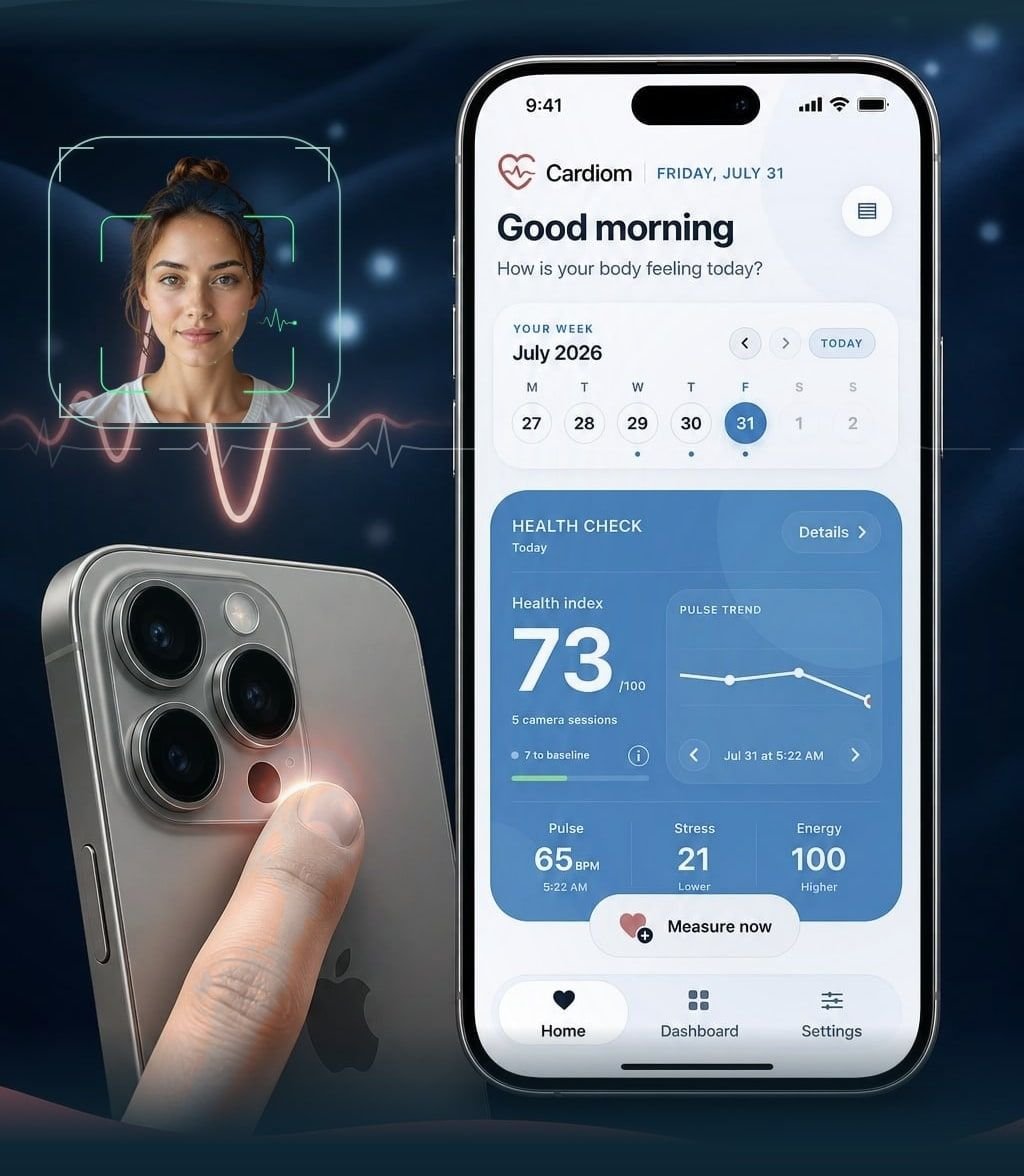
Measure heart rate, organize manual vital readings, understand longer-term patterns and build a consistent routine.
Use Finger PPG with the rear camera and flash, or choose a contactless Face rPPG check-in with the front camera.
Manually log readings from trusted devices and follow them alongside your pulse history in one private journal.
Explore longer-term stress patterns, available HRV metrics, energy context and your estimated heart age.
Add tags to measurements and manual entries, then filter your history to spot patterns around daily habits.
Review changes over time and create a PDF report from a selected date range to take to a medical appointment.
Set custom reminders for check-ins or manual logs so consistent tracking fits naturally into your day.
Cardiom estimates pulse from your iPhone cameras: Finger PPG through the fingertip, or Face rPPG by scanning your face. Guided, short, and only saved when the signal quality is good.
Finger PPG: rest a fingertip gently over the rear camera and flash. Face rPPG: hold the phone so your face is in frame — no contact needed — and Cardiom reads subtle skin-colour changes from the pulse.
Cardiom prepares the right camera, shows placement cues and waits for a clean signal. Progress starts only when the reading looks usable.
Keep still in steady light. Sessions never run longer than 30 seconds. Soft light in front of you helps Face rPPG; a relaxed fingertip helps Finger PPG.
Cardiom labels which method you used, so Finger and Face trends stay comparable. Add context, build your baseline and return over days and weeks.
Cardiom is designed around clear consent, secure sign-in and controls that make your data understandable and removable. Privacy is part of the product experience — not a page hidden at the bottom.
Read our privacy approach ↗Your account protects access while Cardiom keeps local and synced changes understandable.
Clear access, no surprise tiers. Final regional pricing will always be shown before you subscribe in the App Store.
Core check-ins and a private daily journal.
Deeper trends and reports for a consistent routine.
Still curious? The Cardiom support area will grow alongside the app.
Visit support ↗No. Cardiom is designed around the cameras already built into your iPhone. You can also add readings from devices you use separately, such as a blood-pressure cuff or pulse oximeter.
Those values are entered manually from a dedicated device or another trusted source. Cardiom does not claim to measure them through the camera.
Finger PPG is a contact check-in: you place a fingertip over the rear camera and flash so Cardiom can read light changes from blood flow. Face rPPG is contactless — the front camera scans your face and detects tiny colour changes linked to your pulse. Cardiom labels each method and lets you compare Finger and Face trends separately.
Yes. Choose Face rPPG for a contactless reading. Keep your face in the guide, use even light from in front of you, and stay still. Soft daylight or a lamp in front of your face usually works better than strong light from behind.
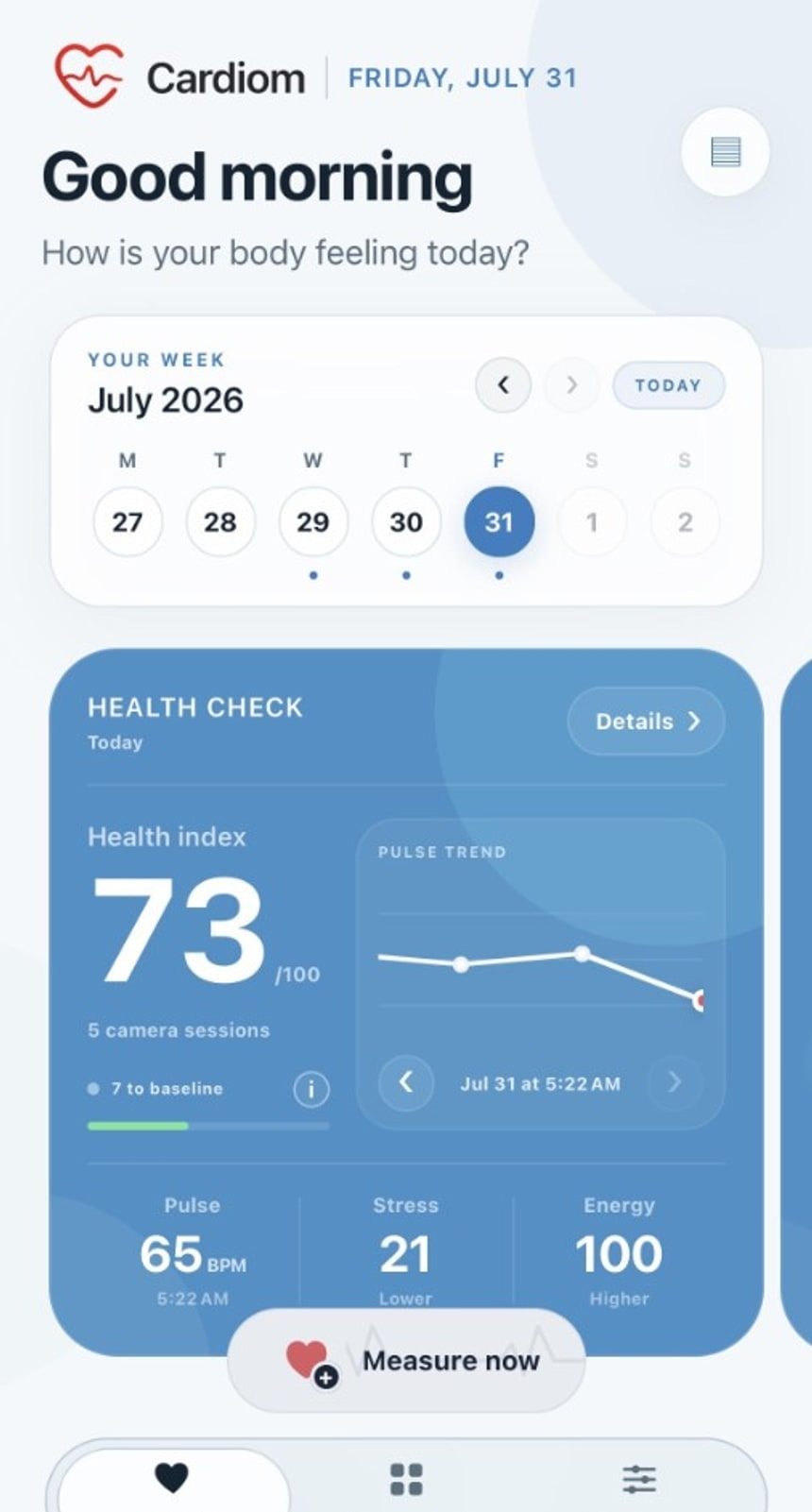
HRV details appear only when a session contains a suitable beat-to-beat signal. The 7-day Stress Index unlocks after check-ins on seven distinct days so it can reflect a longer pattern.
No. Cardiom is a personal wellness tracker. It does not diagnose, treat or replace professional medical advice, validated devices or emergency care.
Yes. Cardiom includes data controls, account sync, deletion options and downloadable wellness reports. Our Privacy Policy explains how each category is handled.
A single reading is a moment. A consistent routine is where useful context begins.
SDNN, RMSSD and pNN50 explained in language that belongs in real life.
Light, position and timing: three small choices that make a cleaner routine.
Be first to know when Cardiom opens on the App Store. Early access starts with iPhone.
Wellness information only. Cardiom is not a medical device.